

PRECISION VISION
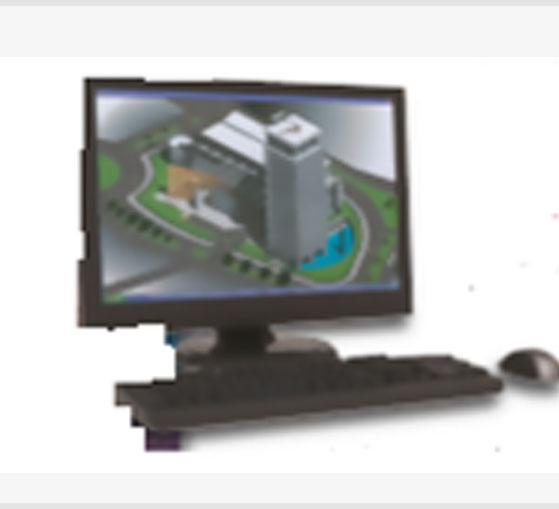
PRECISE VISION®
Fire Detection Graphics System
Event Management Software and Computer Graphics
UL Listed PC based Graphic Command Center solution, Graphic monitoring of fire alarm control panels. CCC Auburn Campus customized management package, directly interfaced with Cybercat254 fire panels and FCI 7100 panel. Allowing detailed, visual information on exactly what is happening in your facility so the safest, most efficient action can be taken.
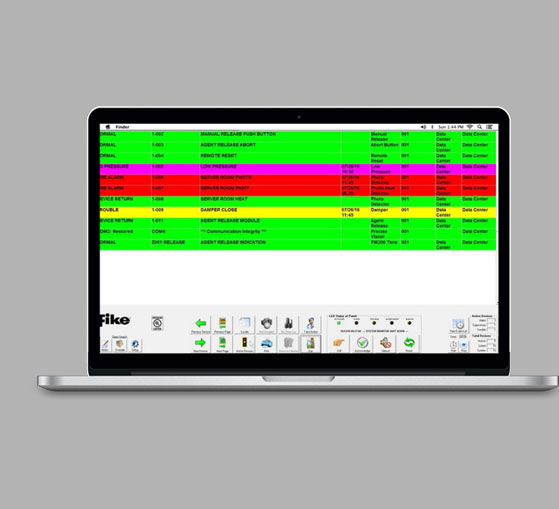
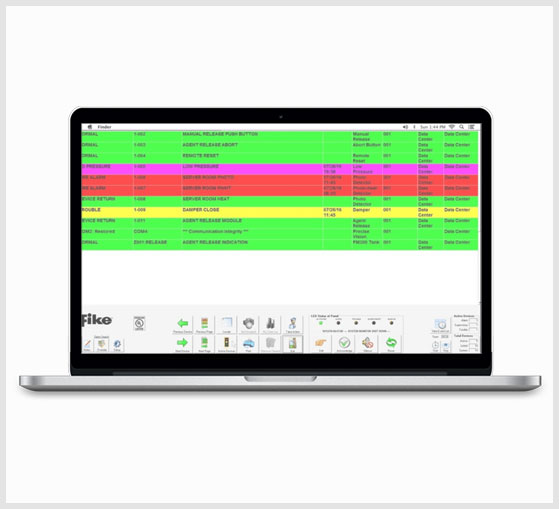
Precise Vision – an easy to configure, intuitive, windows-based event management system designed to help facility managers and personnel quickly assess and react to alarm and trouble situations. Precise Vision monitors all Fike intelligent systems and provides complete device detail and event updates, with just a few clicks.
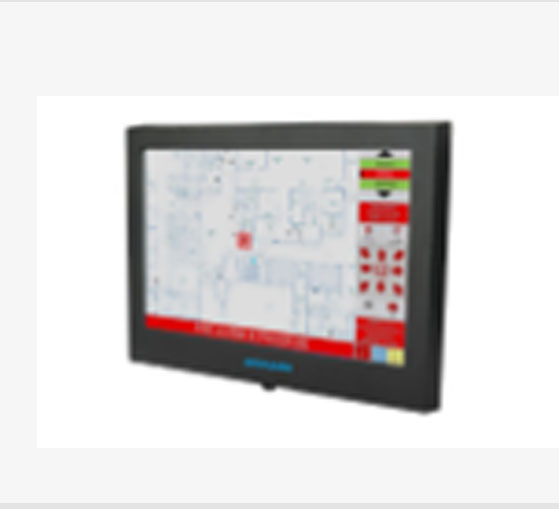
Gain access to building floor plans, zoom in and out of floor plans to view all conditions, routes, shut-offs and hazards
Quickly navigate to floors and locations of events, emergency contacts, security plans and other important information
Display event history and progression, Store alarm and service report data.
Email alerts directly to key personnel, Supports multiple users.
Command functions at your fingertips, enable/disable points, Acknowledge, Silence, Reset, add custom options and buttons.
User friendly and simple to configure, Precise Vision is Fully customizable, can be used with other panels and building BMS.
Future Expansion And much, much more!
ALL-IN-ONE Precise Vision Software and Hardware package
– i5 2.4GHZ computer, UL864, ULC-S527-11, UL 2572 Recognized (4gb RAM, 500 GB SATA hard drive, Windows Pro, 32 Bit, wall mount, 22” Touchscreen LCD display). UL listed Printer i5 2.4GHZ computer (Chassis, Mini-ITX motherboard, 24 VDC, cooling fan, RS-232 serial ports, two gigabit Ethernet port, audio port, 7USB ports, video port, keyboard and mouse ports). (upgrade to 42” LCD Touchscreen)
Features
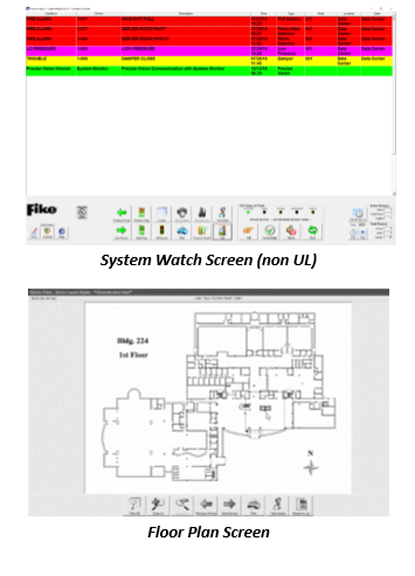
- See alarm information in real time, color‐coded by status – Trouble,
Supervisory, or Alarm. - Pinpoint alarms on maps and floor plans.
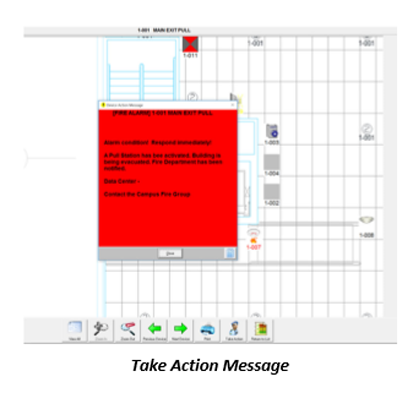
- See instant “Take Action” instructions.
- Zoom in and out of maps and floor plans with focus on devices.
- Touch screen options available.
- Automatic e‐mail notification option.
- Hear audible warnings and alerts, and use Precise Vision for mass notification.
- Network your Precise Vision system and log in wherever you are.
- Include data from any device that has an RS‐232 port.
- Field configurable.
- Air Sampling interface option.
- Print full reports and records.
- Use the Windows‐based laptops, PCs, and touch screen devices of your choice.
- Command/Control features (UL version only)
Basic System Requirements
- Precise Vision is easy to install and run on most readily available PCs, laptops, flat‐panels, and touch screen computers.
- If you would like to know if Precise Vision will work with a computer you already own, use this checklist to base system requirements:
- Windows‐based PCs and Laptops (Pentium 4 recommended)
- RS232/RS485 or TCP/IP connection – one for each control panel or network interface port
1GB hard drive - Sound card with speakers (optional)
- 19‐inch monitor or larger recommended (touch screen optional)
- XGA or WXGA video card
- Microsoft Windows Professional 7, 8.1, 10 or Microsoft Server 2003 or 2008
- Minimum 4 GB RAM
- Mouse, touch screen, or other pointer device
- Rewritable CD‐RW drive or Portable USB thumb drive to transfer and store files
For best results, include:
- Internet access
- Email server information.
- A serial server to connect the RS232 port to Ethernet.
- Architect’s CAD drawings or custom digital images for maps, floor plans, and background images.
Approvals
- Underwriters Laboratories (UL).
User Interface
Precise Visions intuitive graphical user interface displays real‐time information about each system event on color coded lists and with just a few clicks, the user can pinpoint the location of the event on maps and floor plans and view device and event details. This enables facility managers and emergency personnel to quickly assess and react to alarm, supervisory, and trouble situations initiated by the system.
Command and Control
An Underwriters Laboratories (UL) listed version of Precise Vision is available that enables command and control functions for Fike CyberCat panels and Air Sampling devices to be initiated by the software. The software must be installed on a Fike UL listed touch screen computer and a Fike Multi‐Interface Module (MIM) must be used to interface between the Precise Vision PC and the Fike panel.
Connection Methods
Direct Connection – The Precise Vision monitoring computer is connected directly to the host control panels RS485 peripheral bus. If monitoring computer is not equipped with an RS485 port, an RS485 to USB converter must be installed. With this method, the software can only be used for monitoring purposes only.
Ethernet Connection ‐ The facilities existing Ethernet LAN/WAN network or a private LAN just for fire panel use can be used to provide the necessary communication path between the host control panel and the Precise Vision monitoring computer(s). This way of connecting easily facilitates host control panel monitoring from multiple Precise Vision computers located throughout the facility, but is not UL listed.
Multi‐Interface Module Connection – A MIM Assembly (P/N 10‐2583) is used to connect each Precise Vision computer to the host control panel’s RS485 peripheral bus. Each monitoring computer that is running the full UL Precise Vision software package must have its own MIM to properly communicate system events. This connection method allows ULlisted command‐and‐control functions to be initiated from the monitoring computer(s).